WiFi + 4G Touchscreen Home Alarm: Long-Life Sensors
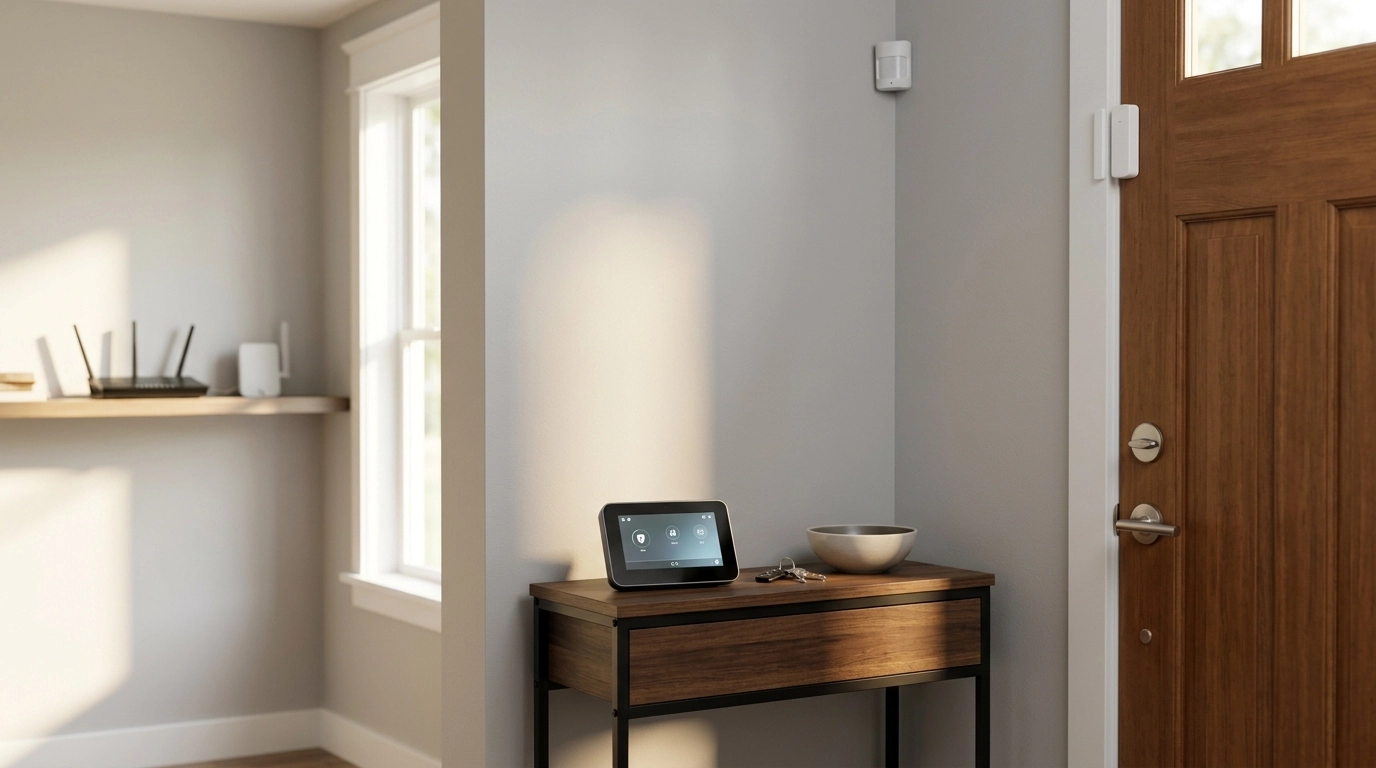
Wireless WiFi 4G Home Alarm System with Touchscreen and Long-Life Sensors
A modern home alarm system should stay reliable during internet hiccups, be simple to arm/disarm, and keep sensors running for long stretches without constant battery swaps. A touchscreen hub paired with both WiFi and 4G connectivity is designed to keep protection practical day to day—while long-life sensors help reduce the maintenance that can quietly erode coverage over time. Below is a clear, setup-focused guide to what this type of system does well, how to verify stable alerts, and how to keep false alarms low.
What This Type of Alarm System Does Well
At its core, a touchscreen alarm kit brings your system status and controls to one central place while keeping installation flexible through wireless sensors. For many households, the big advantage is the balance between “easy to live with” and “ready when something goes wrong.”
- Combines a central touchscreen hub with wireless sensors for doors, windows, and motion zones.
- Uses WiFi for primary connectivity and 4G cellular as a fallback path for sending alerts when the router or internet goes down.
- Supports quick arming modes (home/away) and clear status visibility from the touchscreen (zones, battery states, connectivity).
- Long-life sensors reduce maintenance and help keep coverage consistent over time.
If you’re shopping for an all-in-one option, the Wireless WiFi 4G Home Alarm System with Touchscreen and Long-Life Sensors is built around that exact formula: a visible, in-home control point paired with wireless sensors and dual-path connectivity.
WiFi + 4G Connectivity: Why It Matters for Alerts
WiFi is the everyday workhorse for most smart alarm systems: it supports app control, routine notifications, and easy setup on a home network. The problem is that WiFi depends on your router and internet service—two things that can go down during outages, ISP issues, or simple equipment failures.
- WiFi is convenient for everyday control, app connectivity, and typical notification delivery.
- 4G backup helps keep alerts going during power/internet interruptions (depending on hub power and cellular availability).
- Check what triggers cellular usage: full-time dual-path, or only when WiFi is unavailable.
- Confirm whether the system supports multiple notification methods (push notifications, SMS, calls) and what requires a plan or subscription.
One practical step is to confirm what “backup” truly means for the hub you choose: some systems only switch to cellular when WiFi drops, while others can be configured for more frequent cellular use. Also verify your home’s cellular signal strength; even a strong system can’t send alerts through a weak local network.
For a deeper look at baseline security expectations for connected devices, NIST’s IoT guidance is a useful reference: NISTIR 8425A – Profile of the IoT Core Baseline.
Touchscreen Hub: Faster Everyday Control
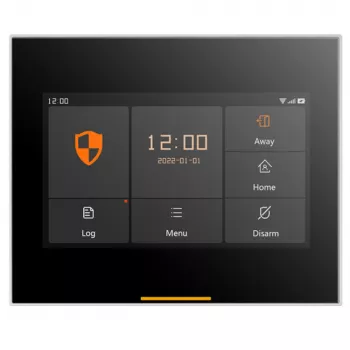
Touchscreen hubs tend to reduce “daily friction,” which matters because the easiest system to use is the one that actually gets armed consistently. A wall/desk hub can also be a more accessible option than relying on a phone app for every action.
Long-Life Sensors: Coverage Without Constant Battery Swaps
A simple way to keep reliability high is to schedule a quick monthly check: open each protected door/window once while the system is disarmed to confirm it reports correctly, then run a short motion test. If your doors swell slightly in humid months or shift in winter, re-check alignment so a contact doesn’t become “intermittent.” For general consumer guidance on interference and wireless behavior in the home, the FCC’s resources can be helpful: FCC Consumer Guides – Wireless Devices and Interference.
Setup Checklist for a Stable, Low-False-Alarm System
| Item to verify | What to look for | Why it matters |
|---|---|---|
| WiFi signal at hub location | Stable connection and consistent signal | Prevents missed notifications and delayed status updates |
| 4G backup behavior | Alerts still send during WiFi outage (as configured) | Maintains protection when internet service drops |
| Zone names and types | Each sensor labeled clearly (door, window, motion) | Speeds up response and reduces confusion during alerts |
| Entry/exit delays | Appropriate delay on main doors; instant on secondary doors | Cuts accidental triggers while keeping strong perimeter security |
| Low-battery and tamper warnings | Notifications enabled and visible on hub/app | Helps keep the system dependable over time |
Privacy, Security, and Reliability Basics
For broader household safety planning (beyond intrusion detection), fire and electrical safety best practices are worth revisiting periodically: NFPA – Home Fire and Electrical Safety Information.
When This System Is a Good Fit
If the goal is to make daily arming feel effortless while maintaining resilient alert delivery, a dual-path system like the Wireless WiFi 4G Home Alarm System with Touchscreen and Long-Life Sensors is a practical starting point. And for households that want a simple way to decompress after travel days or nighttime disruptions, Calm Your Mind: Guided Meditation Series can be a useful non-hardware companion to a more settled routine.
FAQ
Will the alarm still work if the internet goes down?
In most setups, local functions like arming/disarming and sounding a siren can still work, but remote notifications may depend on connectivity. With 4G backup enabled and adequate cellular signal, alerts can continue even when WiFi is unavailable—provided the hub still has power.
How many sensors are typically needed for a small home or apartment?
A solid starting point is one contact sensor per main exterior door, optional sensors for easily accessible windows, and one motion sensor covering a main hallway or living area. Many homes begin with core entry points and add sensors based on higher-risk areas like a garage entry or basement door.
How can false alarms be reduced with motion sensors?
Mount motion sensors at the recommended height and aim them away from HVAC vents, direct sunlight, and moving curtains. Use entry delays where appropriate and do a walk-test after installation; if pets are in the home, adjust placement to avoid common pet pathways.














Leave a comment