Camera Lens on a Phone: Add-On Options & Fit Tips
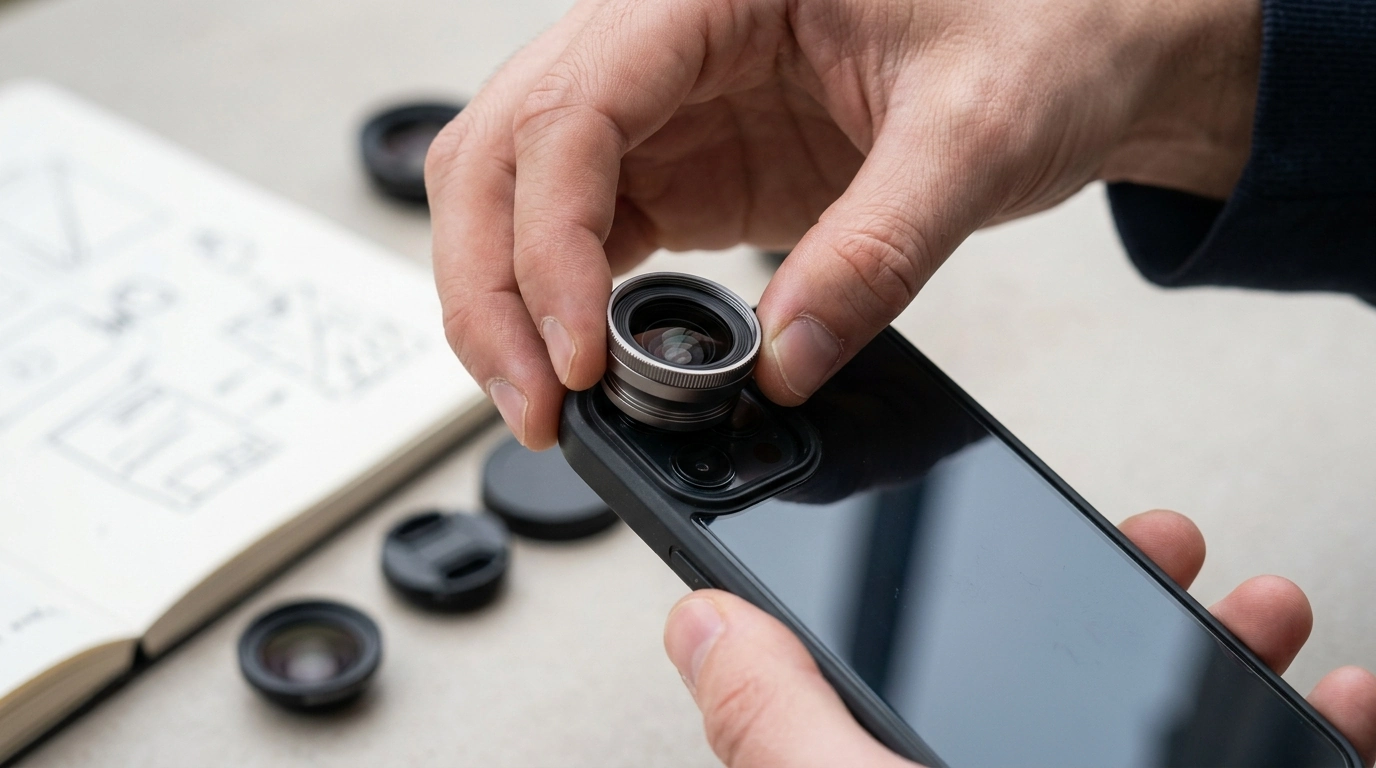
Can you attach a camera lens to a phone?
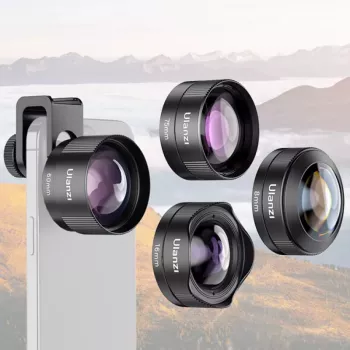
Yes—most phones can use add-on lenses, as long as the lens can physically align with your phone’s camera and fit around any case or camera bump. The most common options are clip-on lenses (universal fit), case-mounted lenses (model-specific), and adapter systems that mount over the camera for a more secure hold. Each type is designed to expand what your phone can capture, such as wider landscapes, close-up macro detail, or a dramatic fisheye look.
How phone lens attachments work
A phone lens attachment sits in front of your existing camera lens, changing the field of view or focusing distance. A wide-angle add-on captures more of the scene. A macro lens lets you focus much closer than the phone normally can. Fisheye lenses deliberately curve the edges for an ultra-wide, stylized effect.
What you need to check before buying
Start with alignment: the add-on lens must center directly over the camera you plan to use (main, telephoto, or ultrawide). Next, consider clearance: thick cases, raised camera rings, and big camera bumps can prevent the lens from sitting flush, which may cause dark corners (vignetting) or soft edges. Finally, confirm the lens diameter and mounting style match your setup—some clip-ons work best on phones with a flat camera area.
Tips for better results
Clean both the phone camera glass and the add-on lens before shooting. Attach the lens firmly and test in your camera app for vignetting; if you see dark corners, reposition slightly or remove a bulky case. For macro shots, use plenty of light and move the phone slowly until the subject snaps into focus.
For a deeper walkthrough on choosing wide, macro, and fisheye options—and practical setup tips—visit this guide to universal smartphone camera lens kits.
FAQ
Do clip-on phone lenses work with phone cases?
Sometimes. Thin cases usually work, but thick or raised-edge cases can block the clip from seating flat, leading to misalignment or vignetting; removing the case often improves results.














Leave a comment