Condenser Mic for Gaming: Pros, Cons, Setup Tips
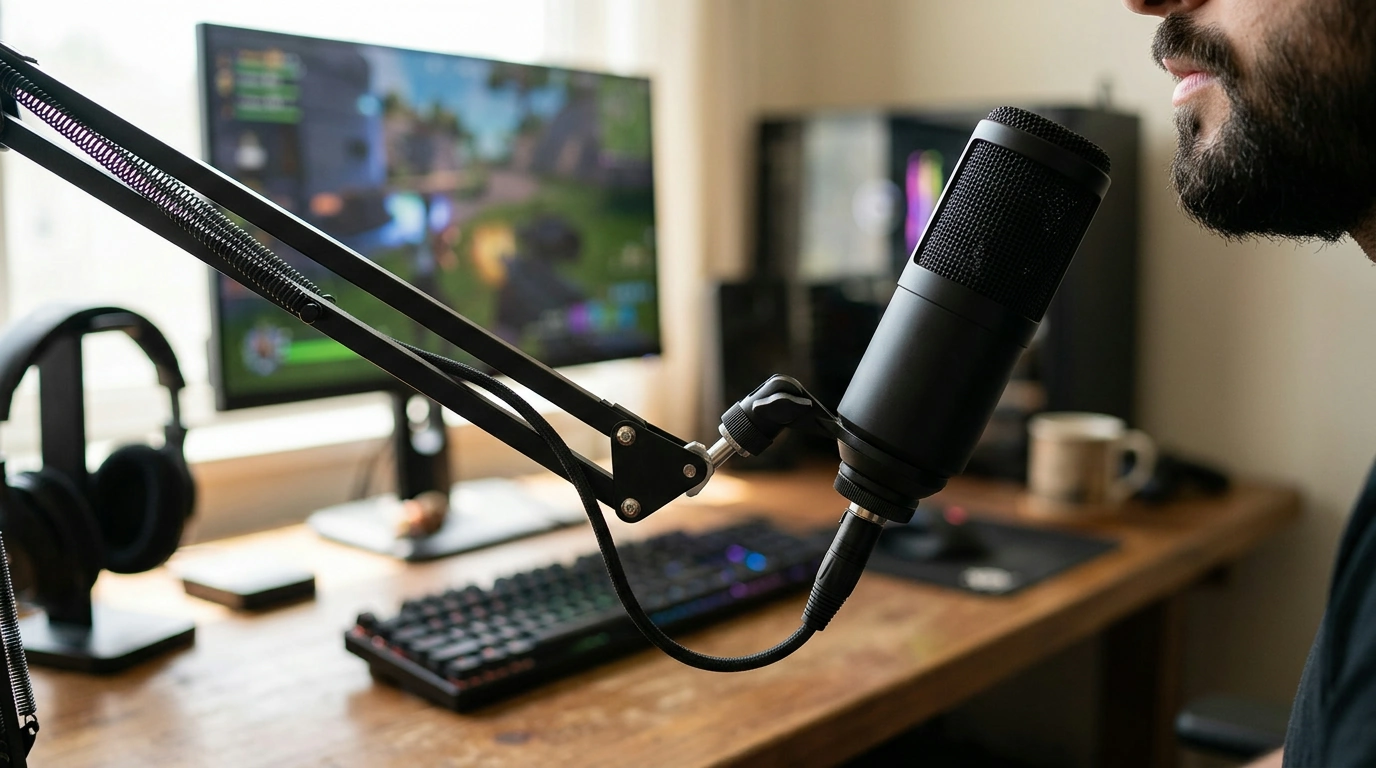
Is a condenser mic good for gaming?
Yes— a condenser mic can be excellent for gaming if voice clarity is the priority and the room setup is reasonably controlled. Condenser microphones are designed to pick up detail, which helps your teammates hear crisp callouts and gives your voice a more polished sound for streaming, Discord, or in-game chat.
The tradeoff is that the same sensitivity that captures your voice also captures more of everything else: keyboard clicks, controller taps, PC fans, and even room echo. If you play in a lively space or you’re close to a loud mechanical keyboard, a condenser mic can sound “too honest” unless you manage your environment and settings.
When a condenser mic shines
A condenser mic is a strong choice when you can keep the mic close to your mouth and reduce background noise. Using a boom arm, placing the mic slightly off-axis (not pointed directly at your mouth), and lowering input gain can help you get that full, broadcast-style sound without harshness. Features like a cardioid pickup pattern, a built-in mute button, and a headphone jack for zero-latency monitoring are especially useful during matches.
When you might want a different type
If you game in a noisy room, can’t treat echo, or your keyboard is always loud in your mic, a dynamic microphone may be easier to live with because it typically rejects more ambient sound. That said, many gamers still prefer condensers—especially USB models—because they’re simple to set up and sound great with basic tweaks like noise suppression and a noise gate.
Picking the right condenser for your setup
Look for a mic with selectable patterns if you’ll use it for more than gaming (like streaming, podcasting, or recording with a second person). For a deeper breakdown of patterns and practical setup tips, see this guide to a 3-pattern USB condenser mic for gaming, streaming, and podcasting.
FAQ
How do I reduce keyboard noise with a condenser mic?
Move the mic closer to your mouth, lower the gain, and position it off to the side so it’s not “looking” at the keyboard. Enabling a noise gate/noise suppression in your chat or streaming app can also cut out clicks between sentences.













Leave a comment