Connect Your Phone to a Portable Projector: A Quick Guide
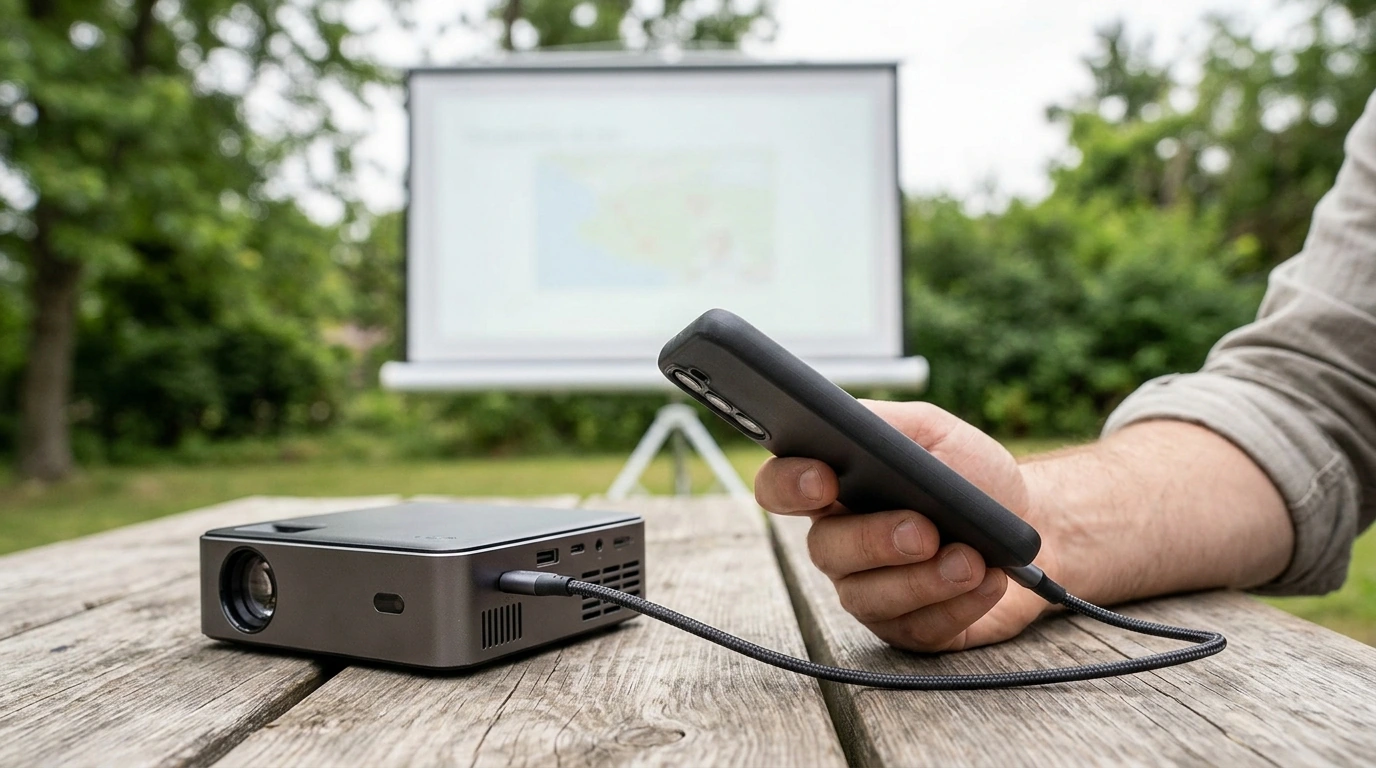
Can I connect my phone to a portable projector?
Yes. You can connect a phone to many portable projectors either wirelessly or with a cable, but the available methods depend on the projector and your phone. Before you start, confirm which connection options both devices support.
Connect wirelessly
If your projector supports screen mirroring or casting, follow its instructions to pair it with your phone. The devices may need to be on the same Wi-Fi network, and some phones require you to turn on a casting or screen-mirroring setting. Wireless playback is convenient when you want to move around, though network quality can affect how smoothly video plays.
Use a wired connection
A cable can be a reliable option when wireless casting is unavailable or inconvenient. Depending on your phone, you may need a compatible USB-C or Lightning-to-HDMI adapter, plus an HDMI cable to connect to the projector. USB-C video output varies by phone, so a USB-C port alone does not guarantee that a phone can send video through an adapter.
Check that the projector has an input compatible with your setup, then select that input on the projector. If you do not see a picture, reseat the connections and confirm that your phone supports video output through the adapter.
What should you consider before connecting?
Think about where you will watch and which connection will be easiest to set up. Wireless casting reduces cables, while a wired connection can help when the Wi-Fi signal is weak. Keep in mind that Bluetooth is generally used for audio, not for sending a phone’s video picture to a projector.
Some streaming apps restrict screen mirroring for certain content. If a video does not appear even though your phone screen is mirrored, try the app’s supported casting option or a direct connection method that works with your devices.
Where can you learn more about a portable projector?
Our mini portable projector guide covers features such as autofocus and Wi-Fi 6. Use it to review the projector’s listed connection options and decide which setup suits your phone and viewing space.
FAQ
Does a portable projector need Wi-Fi to play video?
Not always. Wi-Fi may be needed for wireless casting or online streaming, but a compatible wired connection or locally stored media can work without it, depending on the projector and phone.













Leave a comment