Waterproof a USB Port: Plugs, Covers, and Drying Tips
How to waterproof a USB port?
Waterproofing a USB port is mostly about blocking water at the opening and preventing corrosion at the contacts—without trapping moisture inside. The safest approach is a removable seal for day-to-day protection, plus smart drying habits when the port gets wet.
1) Clean and dry the port first
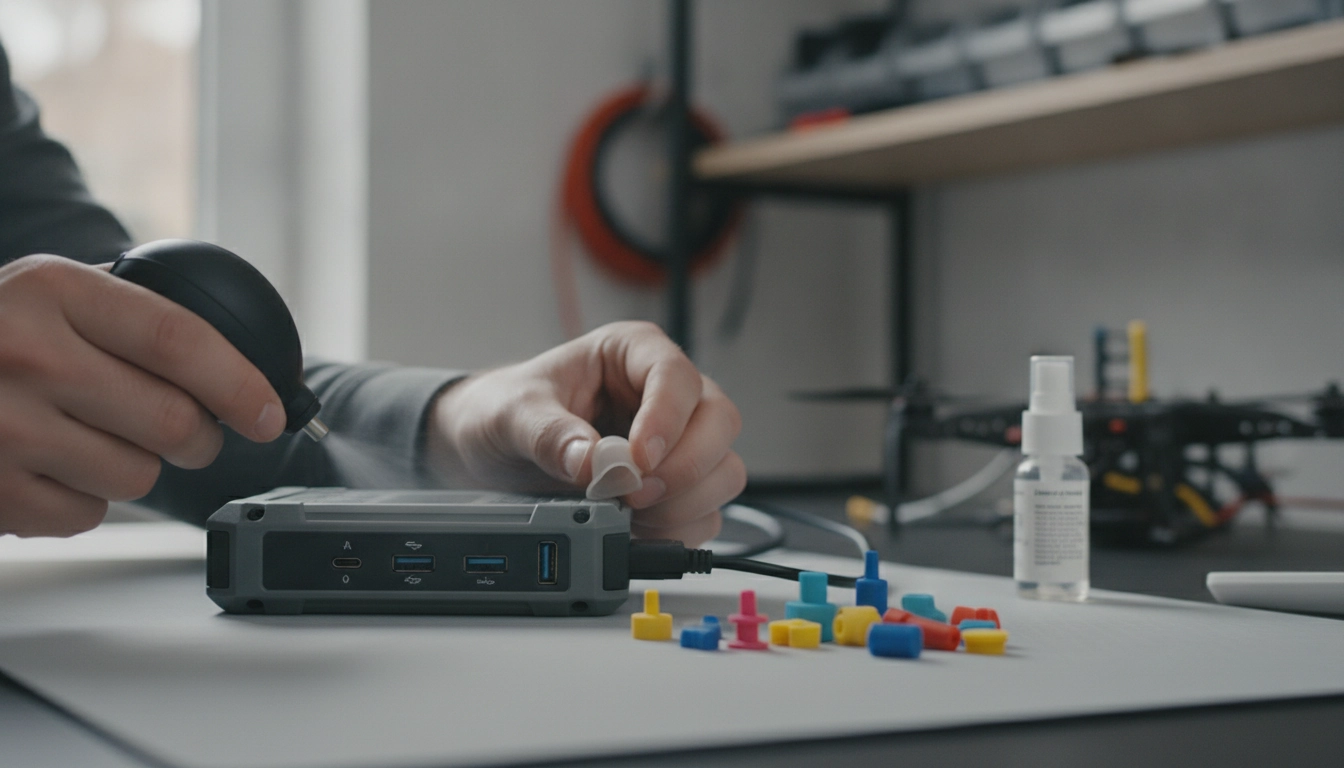
Before adding any sealant or cover, make sure the port is completely dry. Power the device off, unplug everything, and gently shake out droplets. Let it air-dry with the port facing down in a warm, ventilated spot. If needed, use short bursts of compressed air at a distance to push water out (avoid high pressure that can drive moisture deeper).
2) Use a silicone USB port plug (best everyday option)
A fitted silicone or rubber USB dust plug is the simplest way to keep rain and splashes out. Choose a plug designed for your port type (USB-A, USB-C, Micro-USB) and check that it seats flush. Replace it if it gets loose, cracked, or stretched.
3) Add a protective cover or flap for harsher conditions
For gear that regularly faces wet weather (like backpacks with external USB pass-throughs), a small weather flap or cap over the port area helps shed water. Look for designs that overlap the opening so water runs off instead of pooling near the connector.
4) Avoid permanent sealants unless the port will never be used
Silicone caulk, epoxy, and hot glue can permanently block a USB port and may damage plastics or wick into the connector. If the port must remain functional, stick to removable plugs and external covers. If you truly need to retire the port, a carefully applied silicone seal can work, but only after ensuring the area is fully dry.
5) If the port gets wet, don’t charge immediately
Even “water-resistant” devices can short if power is applied while moisture remains. Wait until the port is fully dry before reconnecting cables or charging.
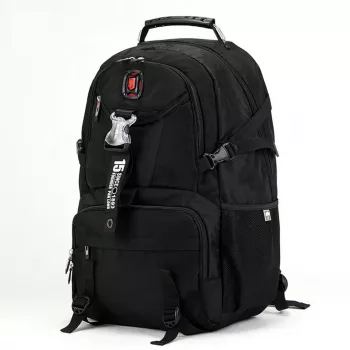
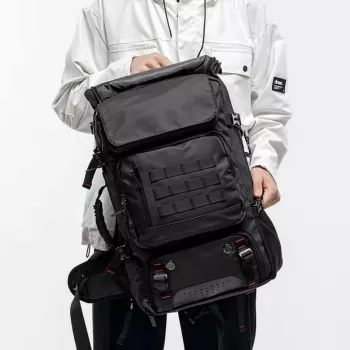
For a practical example focused on a backpack USB port setup and ways to keep it protected outdoors, see this guide to waterproofing a backpack USB port.
FAQ
How do you dry a wet USB port safely?
Turn the device off, unplug cables, and let the port air-dry facing downward in a warm, ventilated area. Avoid charging until you’re confident all moisture is gone.














Leave a comment