Portable Travel Projectors: What to Check Before You Buy
What is the best portable travel projector?
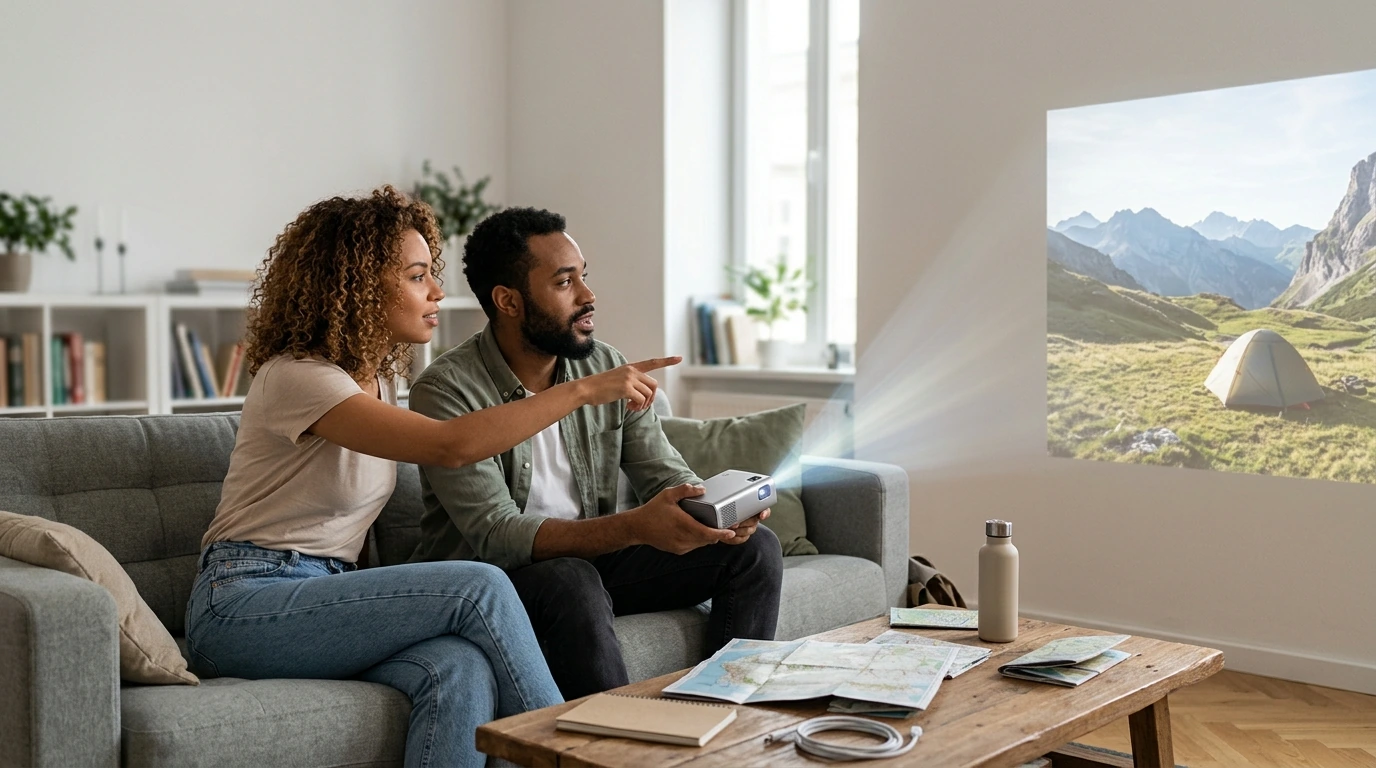
The best portable travel projector is one that’s easy to pack, simple to set up, and bright enough for the spaces where you’ll use it. For travelers who want convenient setup and built-in entertainment features, the mini projector featured in this Gertrudo guide is a strong option. Its listed features include autofocus, Wi-Fi 6 connectivity, and HiFi audio—useful extras for movie nights in a hotel room, vacation rental, or backyard.
Before choosing any mini projector, check its native resolution and brightness specifications. A compact design is handy, but a small projector may struggle in a bright room. For the clearest picture, plan to dim the lights and project onto a smooth, light-colored surface.
Which features matter most for travel?
Quick, flexible setup
Autofocus can reduce the time spent adjusting the picture after you move the projector. Keystone correction is another useful feature because it can help square the image when the projector isn’t centered with the screen. Check the product details to see which adjustments are automatic and which require manual setup.
Easy connection and sound
Wi-Fi can make streaming more convenient, while HDMI or USB ports may help you connect a laptop, streaming stick, or other device. Confirm that the projector supports your preferred setup; streaming apps and services can vary by model. Built-in audio means fewer items to pack, though headphones or a compact speaker may be better in a noisy room.
Is a mini projector a good choice for trips?
It can be, especially if you value a lightweight entertainment option and don’t need a television-sized display in every setting. Consider the projector’s dimensions, power requirements, and included accessories before packing it. If you expect to use it away from an outlet, check whether it has a built-in battery or needs an external power source.
How can you get a better picture while traveling?
Set the projector on a stable surface, keep it as level and centered as possible, and darken the room. Use a blank wall or portable screen, then adjust focus and image size from the recommended distance. A quick check of the room layout before settling in can prevent blocked views and awkward cable placement.
FAQ
Do portable projectors work without Wi-Fi?
Many can display video from a connected device through HDMI or another supported input, even without Wi-Fi. Check the model’s ports and connection options, and remember that streaming services may require an internet connection.













Leave a comment